The WinWing / WINCTRL MCDU has two jobs: send your key presses to the aircraft, and show the aircraft's FMS screen. The first works with almost anything you can map. The second only works if the aircraft developer exposes its display data to outside software. So the question "which aircraft work with the WinWing MCDU?" has a split answer, and a blank screen on a new unit is usually that split, not a faulty panel.
This post sets out what the community and the tool makers have documented, with links, so you can check an aircraft before you spend money on it. Support changes with every SimAppPro and aircraft update. The newest SimAppPro entry on WINCTRL's update log when this was written (October 2026) is 1.17.9, so the lists below are dated to that version. Check the linked pages before you buy for an aircraft added after it.
Why some aircraft work and others don't
A forum thread asking for MCDU support in the iniBuilds Airbus family explains it well. Posters there describe inputs as mappable but the screen as dependent on variables the aircraft has to make available. Where a developer doesn't expose them, SimAppPro, SPAD.next and MobiFlight have nothing to read. The thread also notes that FCU and EFIS panels need far less data than an MCDU, which is why a glareshield can work while the CDU stays dark.
MSFS: where the screen is documented to work
MobiFlight's WinCtrl CDU page lists these MSFS aircraft as display-supported:
- Fenix A3xx
- FlyByWire A32NX (additional configuration)
- FSLabs A321
- Headwind A339x (additional configuration)
- PMDG 737 and 777 (additional configuration)
- iFly 737, Maddog X, TFDi MD-11
- Aerosoft CRJ and A340-600 Pro (the A340 needs aircraft v1.0.3 or later and MSFS 2024)
- ATR 42 and ATR 72
- iniBuilds A300 and A340
The page doesn't say which entries are MSFS 2020 and which are 2024, apart from the A340-600 Pro, and it needs MobiFlight 11 or later. The MobiFlight page is the long-running reference, and SimAppPro has added aircraft since. A SimAppPro 1.16.68 changelog from 31 October 2025 adds MCDU support for the ATR 72 in MSFS 2020 and the iniBuilds A400M in MSFS 2024, and FCU and EFIS support for the iniBuilds A310 and A350.
What SimAppPro has added since
These are the MCDU entries in WINCTRL's own release notes, newest first.
- 1.17.7, with 1.17.8 (posted 19 September 2026): WINCTRL's announcement gives MCDU button control for the iniBuilds A380 in MSFS 2024. The update log words it as partial MCDU button support, so it covers the keys and not the screen. The same release fixed delayed MCDU button feedback on the ToLiss aircraft in X-Plane 12.
- 1.16.102 (posted to AVSIM on 16 June 2026): the AVSIM thread lists MCDU support for the Aerosoft A340-600 in MSFS 2024, and FCU and EFIS support in both sims. A late edit there says it needs aircraft version 1.0.3 or later, which Aerosoft's 1.0.3 notes of 9 June 2026 describe as ensuring Winctrl FCU and MCDU compatibility on their side.
- 1.16.90 and 1.16.91 (13 March 2026): per simFlight's write-up, the MCDU supports the FSLabs A321 NEO in MSFS 2020 and 2024. The MCDU, PFP3N, PFP4 and PFP7 support the FlightFactor 777-200ER/F-EE v2 in X-Plane 12.
- 1.16.82 to 1.16.84 (January 2026): WINCTRL's r/Winctrl post lists MCDU support for the LVFR A318 to A321 and A330/A340 in MSFS 2020, the iniBuilds A310-300 in MSFS 2024, the FlightFactor A350 Ultimate in X-Plane 12, and fixes for the Fenix A320 MCDU display.
SimAppPro 1.16.97 to 1.16.99 (June 2026) added RMP radio panel support only, so it changes nothing for the MCDU.
MSFS: where the screen doesn't work yet
The iniBuilds A320 and the default Asobo A320 were the usual disappointments as of late 2025, and the release notes above don't list a screen for either since. In an MCDU issues thread from November 2025, a poster reported WinWing's product page lists the built-in iniBuilds Airbuses as unsupported for the screen, with button mapping only through third-party tools. Another reply said the default A320 V2 was not yet compatible with MSFS 2024 and that iniBuilds was working on support. Later release notes list no screen support for it, and none for the iniBuilds A330 or A350 CDU display, so treat all three as not confirmed. The A380 gets buttons only.
Where an aircraft isn't on WinWing's own list, forum posters point to MobiFlight (free), SPAD.next or AAO as other ways in. Those routes depend on the aircraft exposing data, so they won't conjure a screen where there is none.
X-Plane 12
MobiFlight's page lists a longer X-Plane 12 set, including the default A330, the ToLiss A319, A320, A321, A330 and A340, the Zibo 737, the FlightFactor 757, 767 and 777v2, and the Laminar 747-400. The Rotate MD-80 is marked captain only.
If the screen is blank
The 8-page user support thread, a blank-screen thread and the MCDU issues thread above cover the same handful of causes. Work through them in this order.
- AircraftON THE SUPPORTED LIST
- Control appSIMAPPPRO OR SPAD.NEXT, NOT BOTH
- FBW A32NXSIMBRIDGE RUNNING
- MSFS 2024 pathNO \CONTENT FOLDER
- AntivirusALLOW SIMLOGIC AND WWTSTREAM
- FirmwareUPDATE VIA SIMAPPPRO
- Still darkOPEN A WINWING TICKET
A few notes on each row:
- Aircraft. Rule out the unsupported ones above first. It saves an evening.
- One app in charge. A poster who ran SPAD.next and SimAppPro together got a blank screen. The reply was that SPAD.next controls the device, so use one or the other.
- SimBridge. For the FlyByWire A32NX, SimBridge has to be installed and running during the flight. In one MSFS 2024 SU3 beta report it didn't start by itself and had to be launched from the FlyByWire external tools folder in Community.
- Install path. In a November 2025 thread, a reply said the MSFS 2024 path set in SimAppPro should stop at the game folder, without the
\Contentfolder. Together with the antivirus change, that cleared one poster's blank screen. - Antivirus. McAfee was reported flagging SimLogic.exe and WWTstream.exe. Whitelist them and SimAppPro.
- Firmware. Online firmware updates are one of SimAppPro's listed functions. A forum reply in late 2025 gave 1.03 as the MCDU's latest, but that number will have moved, so update from the app. The 1.17.7 notes also ask for the latest AGP firmware.
- Support. Several posters recommend a ticket through WinWing's help chat and report replies within about a week.
Sources disagree on one point. Some posters say the FlyByWire developer build works with the MCDU, others had trouble on specific MSFS 2024 betas. Note your sim update and SimAppPro version when you ask for help, because both change the answer.
Keeping the unit clean between sessions
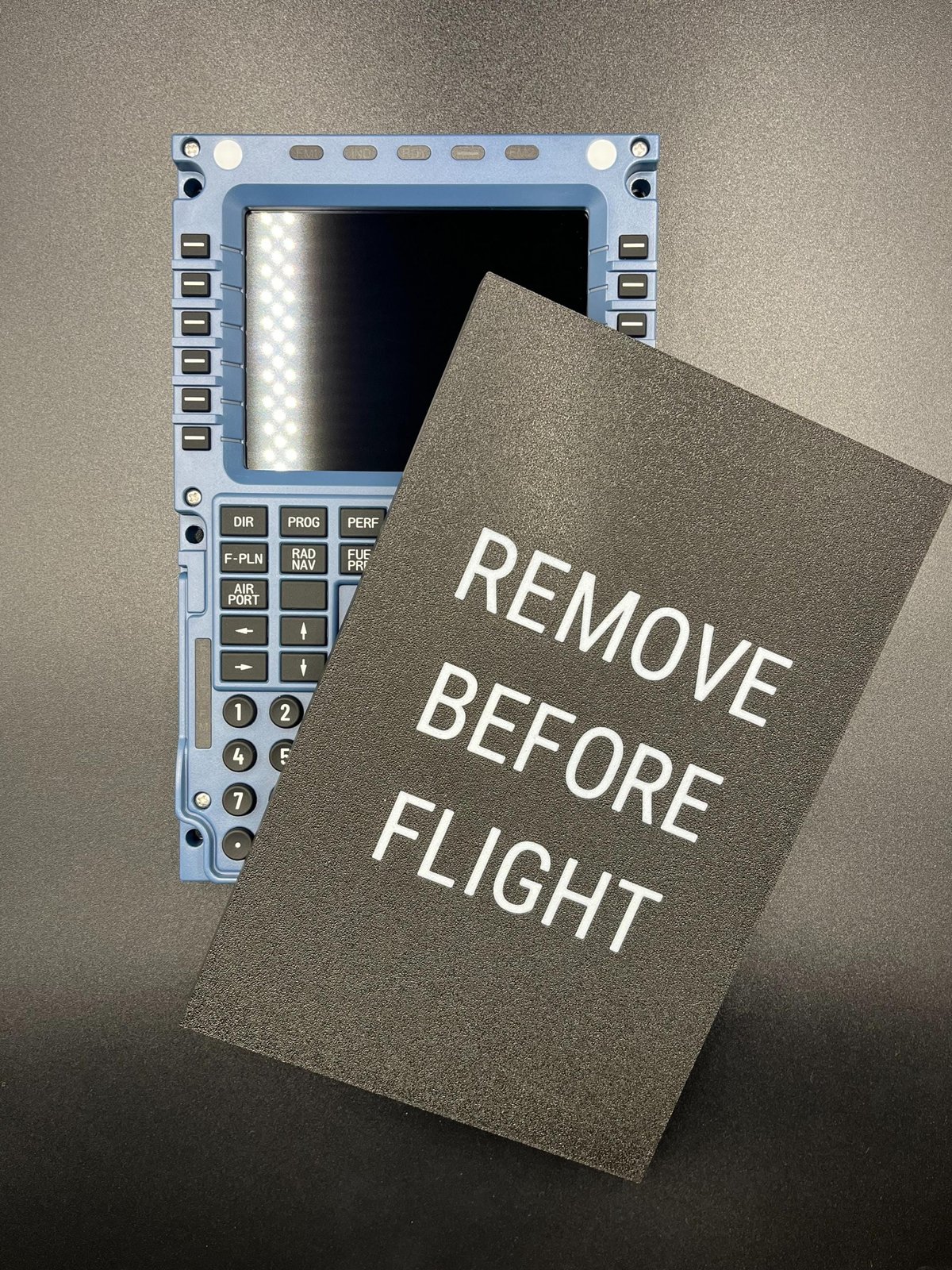
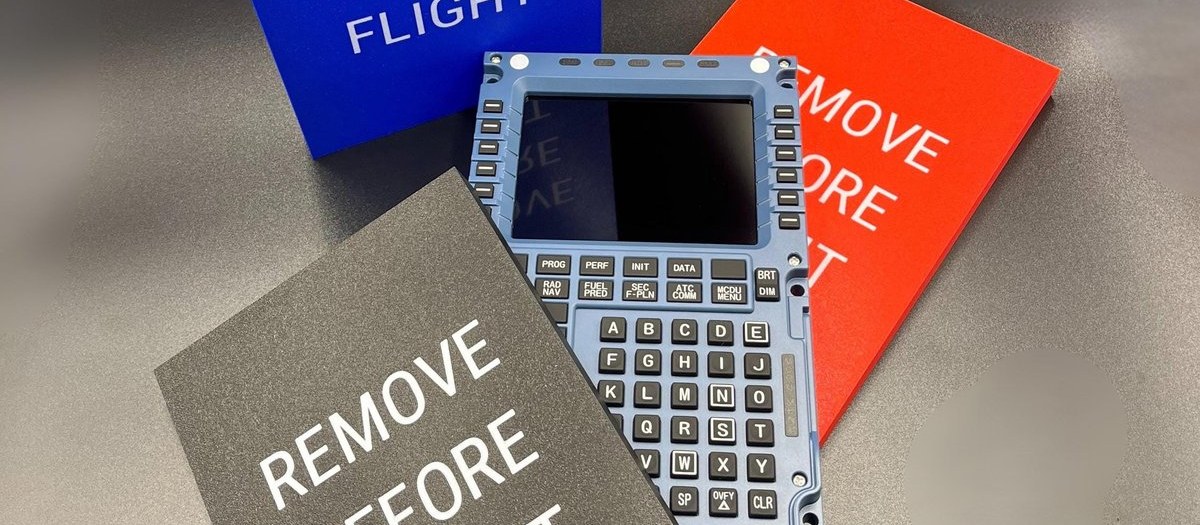
An MCDU on a desk that gets flown weekly collects dust on the keys and screen. If that's your setup, we make a printed dust cover for the Winwing / WINCTRL MCDU.