You don't need a five-figure rig to make time in Microsoft Flight Simulator feel like the real thing. Most of what pulls you into a flight is small: the right flow, the right muscle memory, and a setup that behaves the way an aircraft does. Here are five upgrades that punch well above their effort.
1. Fly a real checklist, not a mental one
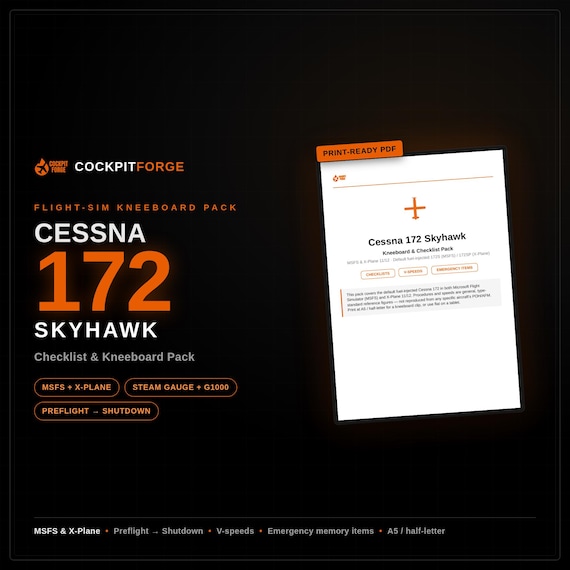
The single fastest way to fly like a pilot rather than a gamer is to run an actual checklist, in order, out loud. It slows you down in the good way: you stop skipping the fuel pump, you catch the flaps setting, and every flight starts to feel like a procedure instead of a scramble.
Keep it somewhere you can glance at without alt-tabbing: a second screen, a tablet, or a printed kneeboard on your desk. Work top to bottom, every time. The consistency is the point.
2. Give the controls you touch most the right feel
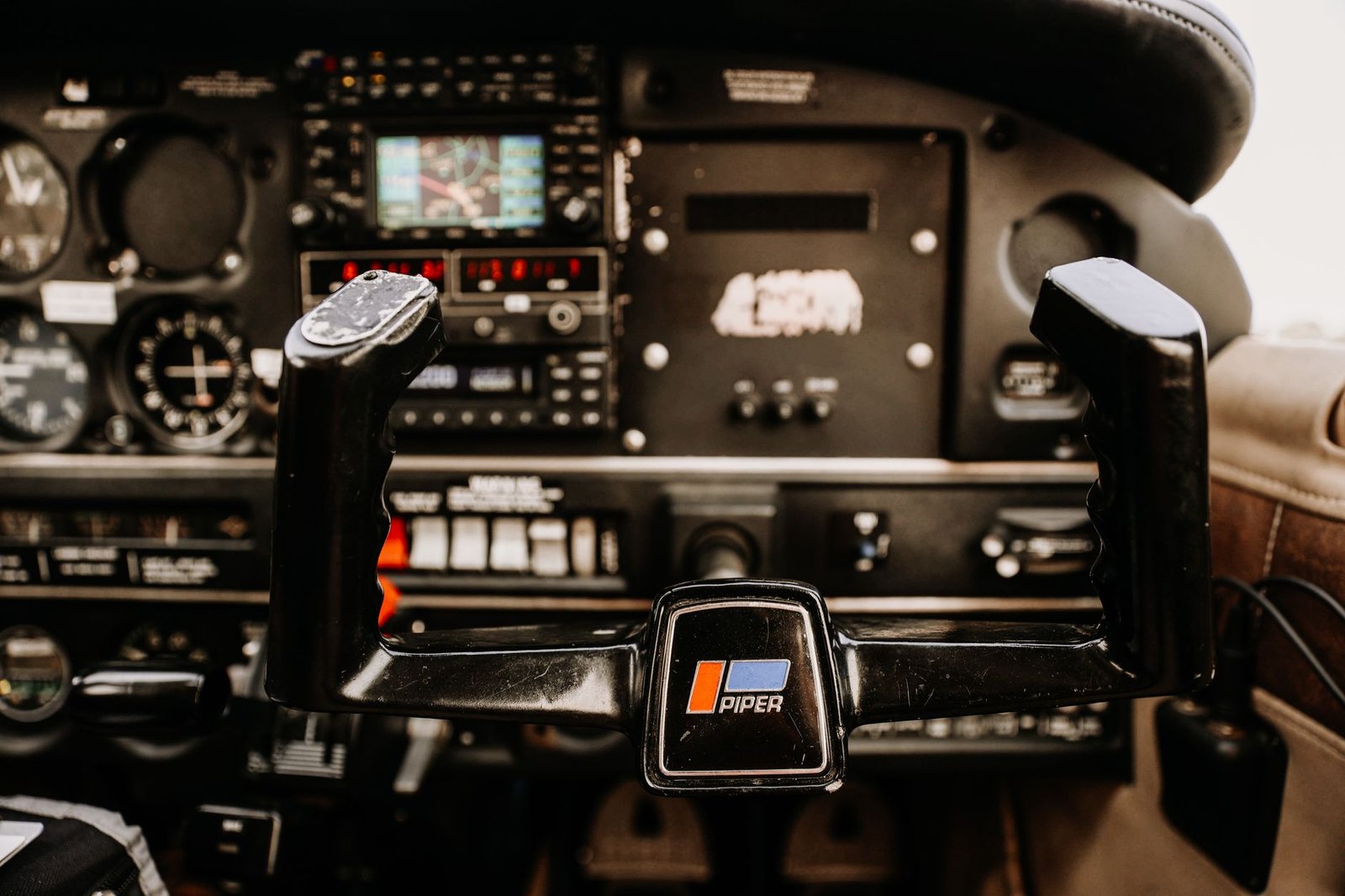
The parts your hands land on every flight (throttle quadrant, trim wheel, yoke or stick) are what sell the illusion. If a control reads as "desk accessory" rather than "aircraft" in your eyeline, it quietly breaks immersion.
You don't need to rebuild anything. Small touches, like how a lever is labelled, how the trim wheel looks and keeping cables out of view, do more for the feel of a setup than another expensive add-on.
3. Look after the hardware between sessions
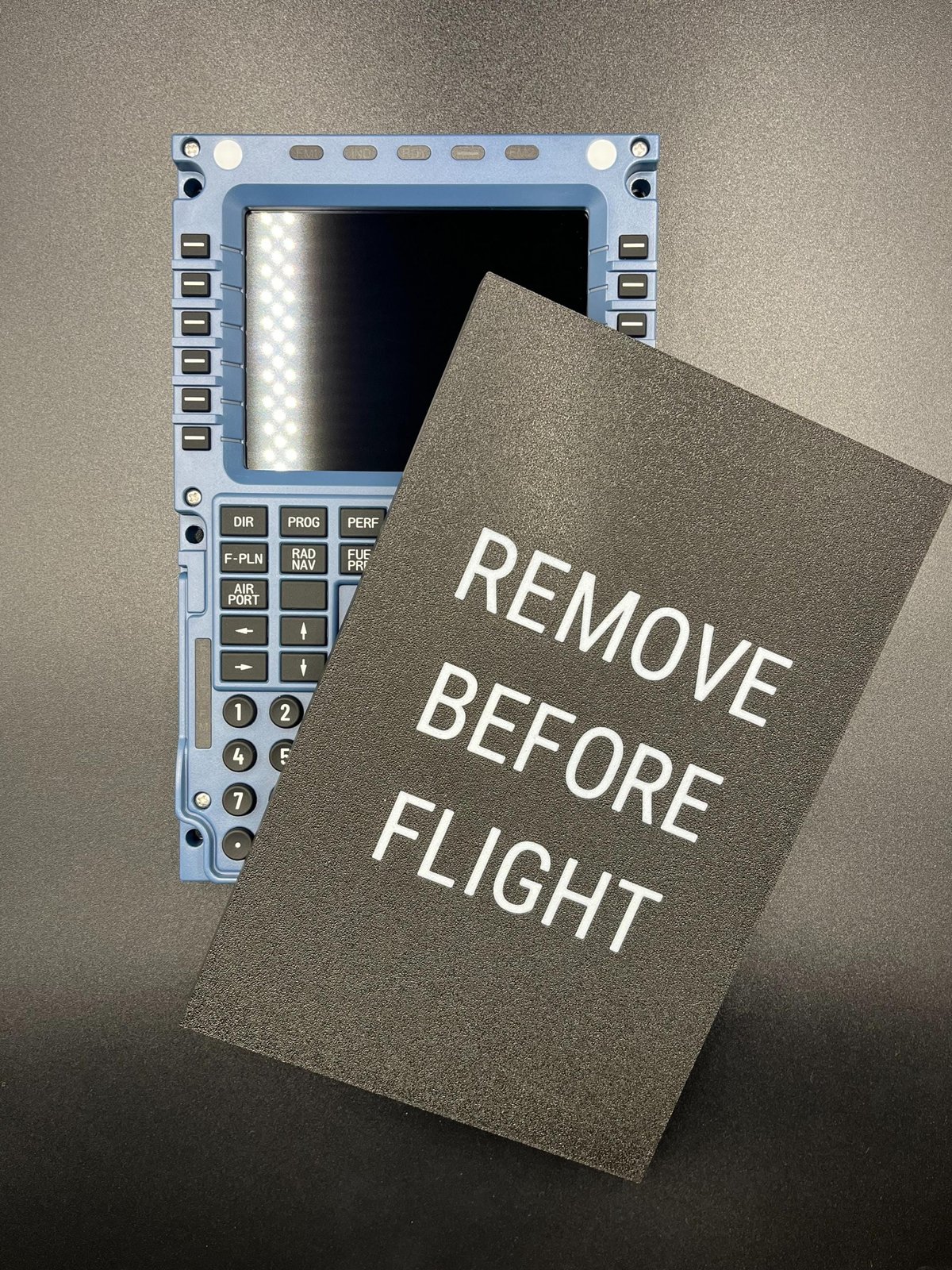
Sim gear isn't cheap, and it sits out collecting dust when you're not flying. Five minutes of care goes a long way: a cover over the panels you're not using, a wipe-down now and then, and keeping drinks well away from the throttle. It's the least glamorous upgrade here and probably the one that saves you the most over time.
4. Sort your control bindings once, properly
Spend one evening getting your axes, detents and button bindings right, then save the profile and don't touch it again. Reverse thrust on the throttle, flaps on a lever, trim on the wheel, autopilot on real switches. Once your hands know where everything is, you stop looking down and start flying the aircraft.
5. Build a pre-flight ritual
Real flying has a rhythm: settle in, run the flows, brief the departure. Recreate a version of that at your desk. Same seat, same checklist, cockpit powered up in the same order every time. It sounds small, but it's the thing that turns "I loaded a flight" into "I went flying".
- ChecklistREAL, IN ORDER, OUT LOUD
- Controls you touch mostTHE RIGHT FEEL
- Hardware careCOVER, WIPE, DRINKS AWAY
- BindingsSET ONCE, SAVE THE PROFILE
- Pre-flight ritualSAME ORDER EVERY TIME
None of these cost much, and together they change how the sim feels. Pick the one that annoys you most today and start there. The rest will follow.
If you're kitting out a setup, we make 3D-printed cockpit accessories, checklist packs and apparel for MSFS and X-Plane. Have a browse of the CockpitForge shop.