If your Honeycomb Bravo trim wheel is too slow in MSFS, you can spin it for a full second and watch the trim indicator crawl. The complaint has been running on the MSFS forums since 2022 and it carried over into MSFS 2024. The cause is known, there are four or five community fixes, and which one suits you depends on how much extra software you will tolerate. This post sets them side by side, with links to the people who worked each one out.
Everything below comes from forum reports, not our own testing. The newest report cited is from September 2026, and none of the tools has an official fix from Asobo or Honeycomb behind it, so check each tool's page for its current version before you install it.
Why the Bravo trim wheel feels slow
One poster in the original 2022 thread put the cause plainly: the Bravo trim wheel works like a button. Each notch you roll is one button press, so three short rolls are three presses. The sim applies a small, fixed step per press, and a fast spin doesn't add up to more. Another poster in that thread thought the button-style trim was added for Xbox controllers and plays badly with the Bravo. That's their reading of it, not a confirmed statement from Asobo.
The same behaviour shows up in MSFS 2024. In a December 2024 thread a poster described spinning the wheel around a hundred times for a few degrees of movement. Others in the thread had no trouble with it, and one noted it works normally on some aircraft.
Fix 1: bind the wheel directly
The no-software option, from a January 2025 thread: map Bravo button 22 to Elevator Trim (Nose Down) and button 23 to Elevator Trim (Nose Up). Some posters say that's all it takes. Others found a fast spin gave a smaller change than a slow one, which makes fine trimming awkward.
There's also an in-sim control for it. In the 2022 thread a poster found a keybinding called "Increase Wheel Speed", described as doubling the speed of wheel-type controls such as the trim wheel, and said it worked when held on a button. It's a small gain, but it costs nothing to try.
Fix 2: turn the wheel into an axis
Most of the lasting fixes make the Bravo wheel behave like a trim axis instead of button presses.
- SimTrim (flightsim.to). One poster in the January 2025 thread reported values of -0.0008 and 0.0008 on buttons 22 and 23 working well for them. Another said it dropped inputs when they turned the wheel at a steady pace. Two people, two experiences.
- Axis and Ohs. Reported as the fix in the December 2024 thread, for MSFS 2024. The setup is per aircraft, so each plane you care about needs its own profile. Both posters who tried it said it worked for them.
- Authentikit with vJoy (flightsim.to). Described in the January 2025 thread as steady and working in MSFS 2024, with one catch: a poster says vJoy and Tobii eye tracking clash, so they re-select their Tobii profile on each launch.
- SPAD.next. A 2022 poster found that using the Trim Position event (in radians) instead of Trim Percent fixed their trim, with 0.02 working for most aircraft and 0.01 for one. That report is from 2022, so check it against your own MSFS version.
Axis-style fixes share one drawback, raised in the January 2025 thread: the axis position and the aircraft's trim can drift apart after the autopilot has moved the trim. Moving the wheel again puts them back in step.
- Native bindingBUTTON 22 NOSE DOWN, 23 NOSE UP
- Wheel speedHOLD INCREASE WHEEL SPEED
- Axis toolSIMTRIM, AXIS AND OHS OR AUTHENTIKIT
- SPAD.nextTRIM POSITION EVENT, 0.02 RADIANS
- Still dropping inputsCHECK THE HARDWARE
When it's the hardware
If the wheel registers inputs only some of the time, software tuning won't fix it. Two recent reports point at the mechanism:
- A July 2026 post on AVSIM, written for X-Plane 12, traced a wheel that spun freely and sent nothing to a loose centre screw. The wheel was slipping on the hub that drives the encoder, and tightening the screw restored both directions.
- A poster in the January 2025 thread reported in July 2026 that grease had worked into the rotary switch and onto its contacts, and that cleaning it off cured the flaky registering. They add it should be covered by warranty. A later reply on a Bravo Lite found no grease inside and no change, and concluded the sensor itself was the weak point.
If you open the case, unplug the USB lead first, and check your warranty position before you do.
What a trim wheel cover changes
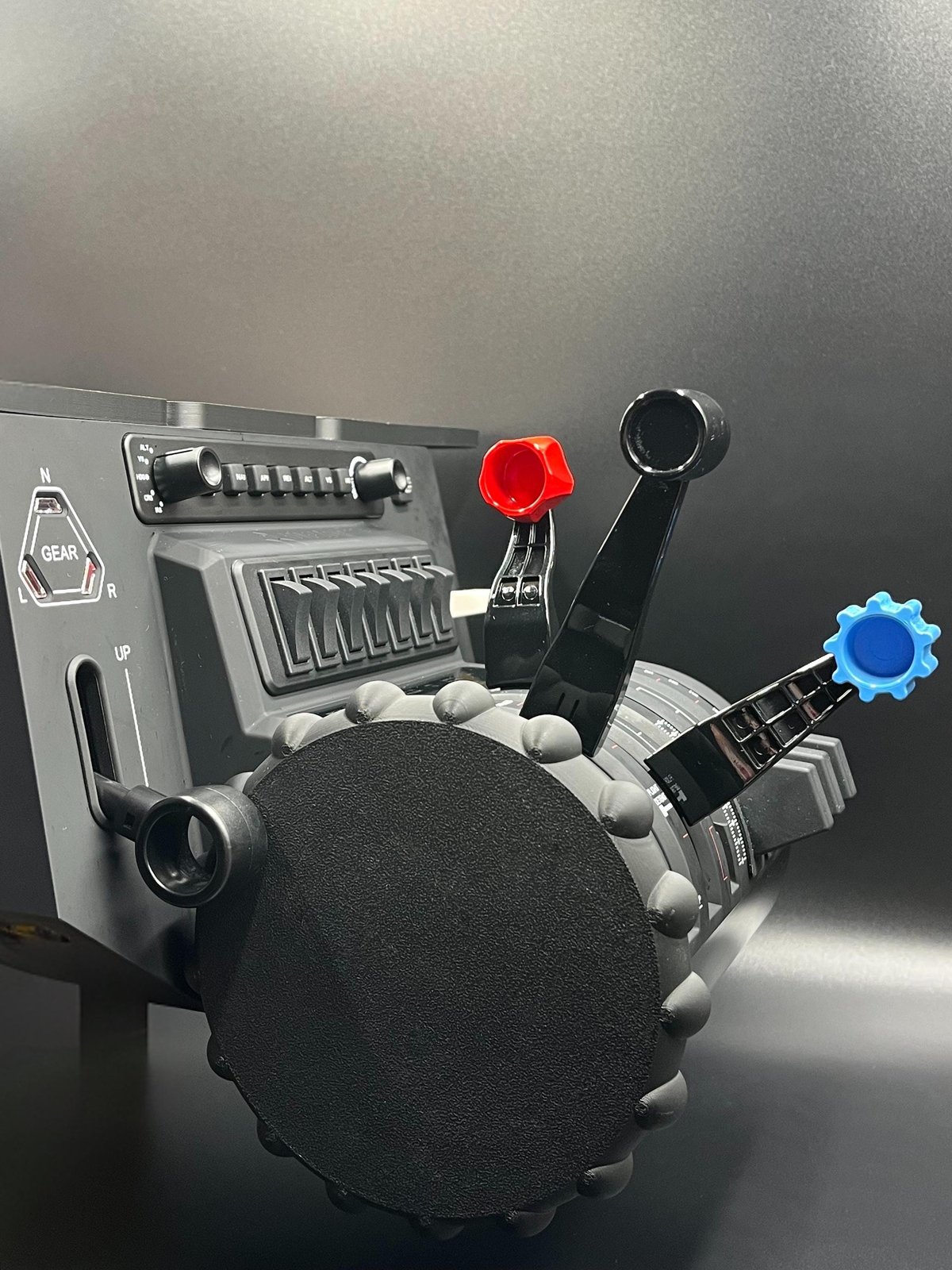
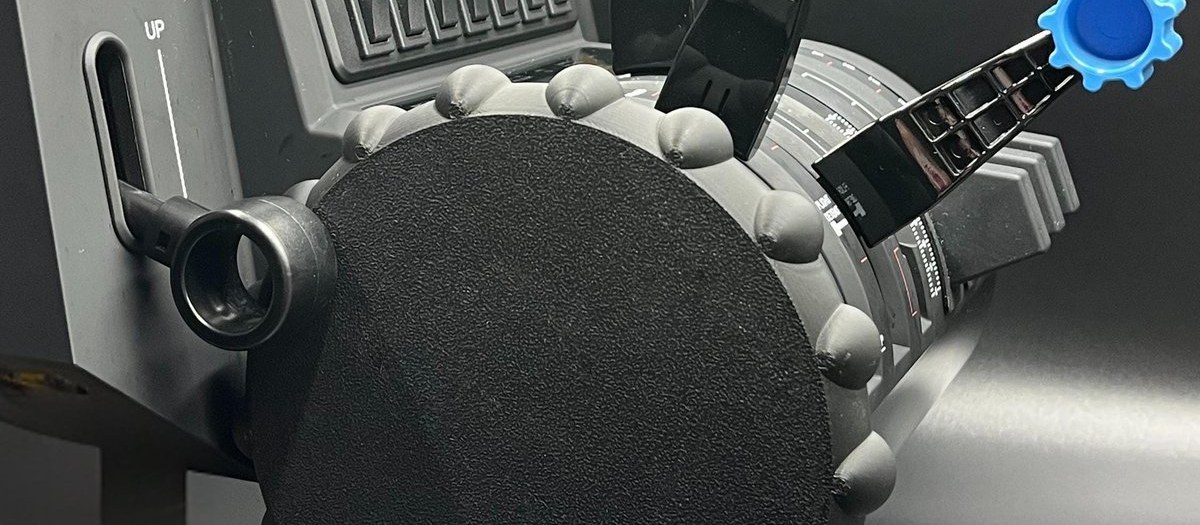
None of the fixes above change how the wheel looks or feels under your fingers. A cover changes the rim only, and the Bravo sends input exactly as before. If you fly a Cessna and want a ball-grip rim in place of the stock wheel, the Cessna GA-style trim wheel cover presses onto the full-size Bravo's wheel (not the Bravo Lite). The product page asks for your wheel's diameter in mm before you add it to your basket, because Bravo wheels appear to come in two slightly different sizes, and the cover is printed to match. It's PLA, so keep it out of direct sunlight and away from heat.