Search "do you need a home cockpit for MSFS" and you'll mostly find people trying to sell you one. Here's the other side of it: what a cockpit build actually changes about how a flight feels, and what it doesn't, from someone who builds the parts for a living and still flies plenty of sessions on a stick and a keyboard.
"Home cockpit" covers more ground than you think
The term gets used for everything from a single throttle quadrant bolted to a desk, up to a plywood A320 shell with three monitors and a working overhead panel. Those are very different investments solving very different problems. The first question isn't "do I need a home cockpit," it's "which bit of the real experience am I actually missing right now."
If the answer is "I keep forgetting the flaps" or "I don't feel like I'm flying a procedure," that's not a hardware problem. If the answer is "reaching for the trim with a mouse breaks the moment for me," that's a hardware problem, and a fairly cheap one to fix.
The case for not buying anything yet
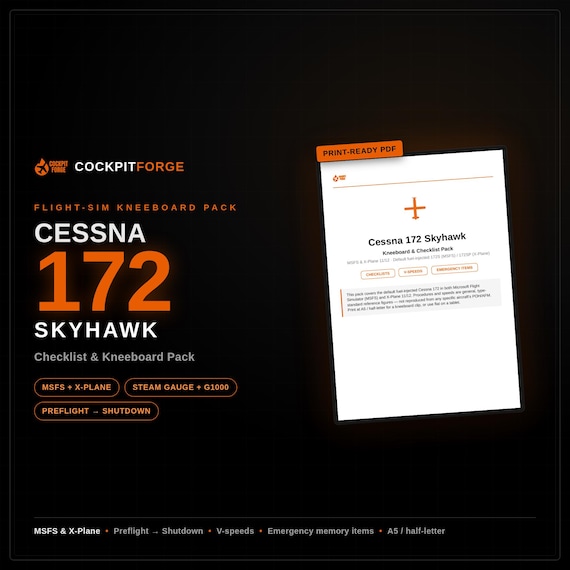
A lot of what makes a flight feel real has nothing to do with plastic and switches. Flying an actual checklist in order, out loud, does more for immersion than most hardware upgrades: it's the difference between operating an aircraft and clicking through a scenario. Same with knowing your V-speeds cold instead of glancing at the airspeed tape and hoping. Neither costs anything beyond a bit of discipline and, if it helps, a printed reference on your desk.
If you've never flown with a proper checklist flow, that's genuinely the first upgrade worth making, and it's free. A yoke won't fix a flight where you skipped the fuel pump.
Where a cockpit build genuinely earns its keep
That said, some things really do need your hands doing the right physical thing rather than clicking a screen zone that represents it.
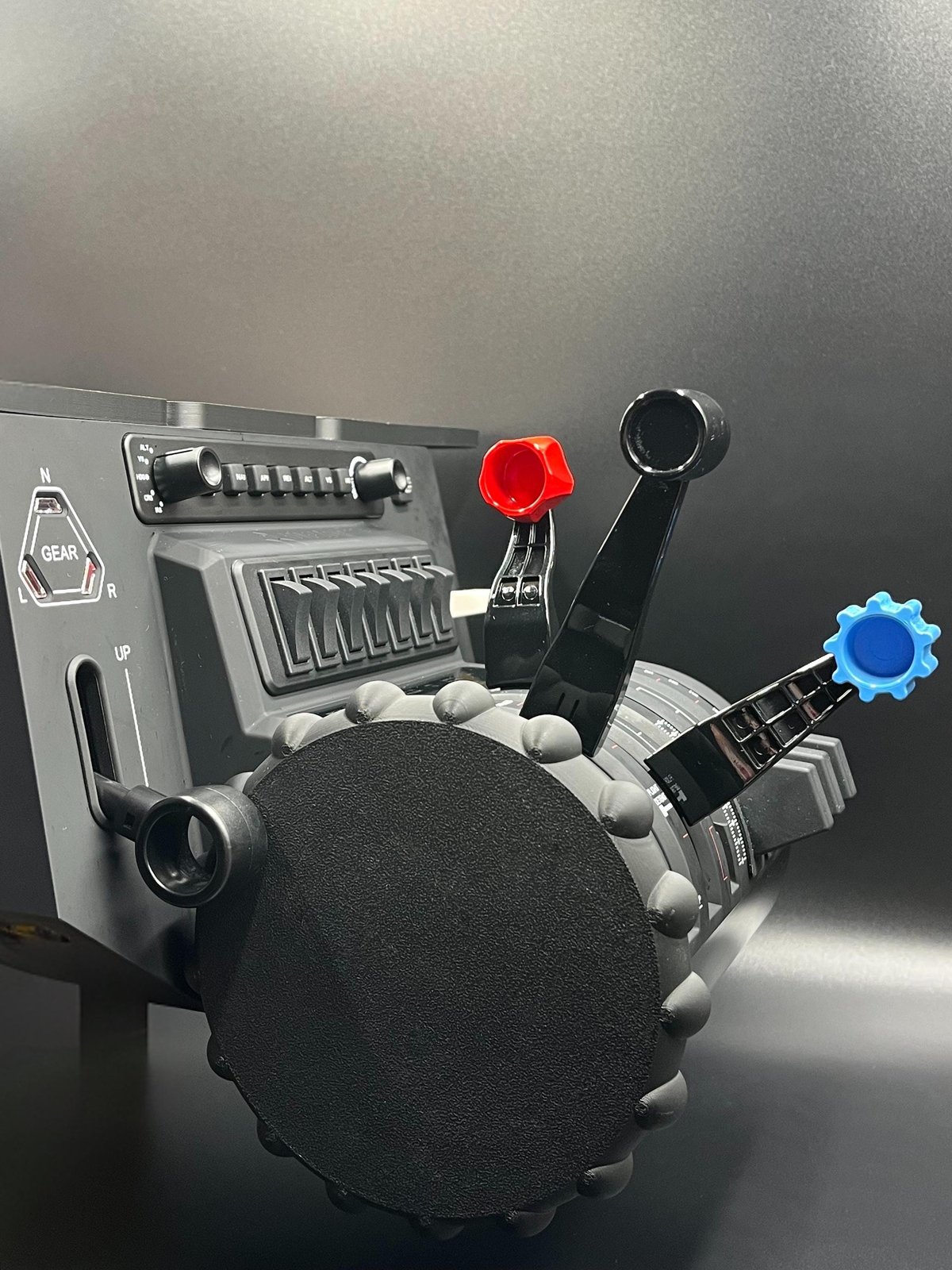
Trim is the clearest case. A trim wheel you can spin with your fingers, rather than a hat switch or a mouse drag, changes how you fly approaches, because it's a small, continuous input you make constantly, and that's exactly what a keyboard or a generic axis handles worst. The second case is anything you touch without looking: real pilots don't look at the trim wheel or the parking brake, they know where it is by feel. If your hardware layout doesn't match the real aircraft's layout, you're building the wrong muscle memory, however good the yoke feels.
The aircraft you fly matters more here than people admit, too. A trim wheel styled for a Boeing-family flight deck won't look right under your hand if you're flying an Airbus, and vice versa. The details that make a control feel right are aircraft-specific, not generic.
What we'd actually suggest, in order
If you're starting from nothing and trying to work out where your money should go first:
- Fix your procedure before your hardware. Run a real checklist. It's the single highest-return change, and it's free if you already have the flows written down somewhere.
- Fix the input you use most and notice least. For most GA and airliner flying, that's trim. It's usually the cheapest single hardware change that changes how a flight feels, rather than just how your desk looks.
- Only then chase visual accuracy: panel covers, styled switches, the things that make your setup look like the aircraft on your screen. Genuinely nice to have, and the thing most people buy first, when it should usually be third.
- 1. ProcedureRUN A REAL CHECKLIST
- 2. The input you use mostUSUALLY TRIM
- 3. Visual accuracyCOVERS, STYLED SWITCHES
Building a cockpit is still worth doing. The point is building the right bit of it first. Most simmers who regret a purchase didn't buy the wrong product, they bought stage three before stage one.
We make printed trim wheel covers and MCDU dust covers built to fit real hardware like the Honeycomb Bravo, alongside checklist packs for the aircraft that don't come with one. If you've worked out which stage you're actually on, have a look in the shop.